
Hudspeth County Warrant Searches
No official countywide online warrant search was found on the Sheriff's Office or county pages. Begin with the issuing JP for traffic and Class C cases. For adult felony or misdemeanor files, use the joint County & District Clerk. Ask the sheriff about service or custody. These offices do not share one public search box.
Have the citation or cause number, the name printed on the notice, and the relevant court date ready. Provide a date of birth only if the office requests it to distinguish records. Ask whether the case shows an arrest warrant, bench warrant, capias, alias, or capias pro fine. If a record may lead to an arrest or court appearance, consult a Texas attorney before going in person.
- Read the court and precinct printed on the citation or summons.
- Call that JP with the case number and ask about warrant status and next steps.
- Contact the County & District Clerk for an adult filed case or document copy.
- Call the sheriff for service or custody questions; use a written PIA request for existing records.
- Use DPS only for reported FTA/FTP license status, then confirm warrant status with court.
Hudspeth County Warrant Portal Gap
The official sheriff pages publish phone and email details but no active-warrant form, roster, mobile app, or update schedule. That finding changes the search process: contact the court most likely to hold the case, then use the sheriff for execution or custody questions. A third-party list cannot fill the gap.
The county's JP directory presents four precinct contacts. The JP page is the official routing point for lower-court cases, but it does not expose warrant fields or online payment. Ask the named court to confirm the label and status.
The county's justice-court page shows the official precinct contact list.
Hudspeth County Justice of the Peace contacts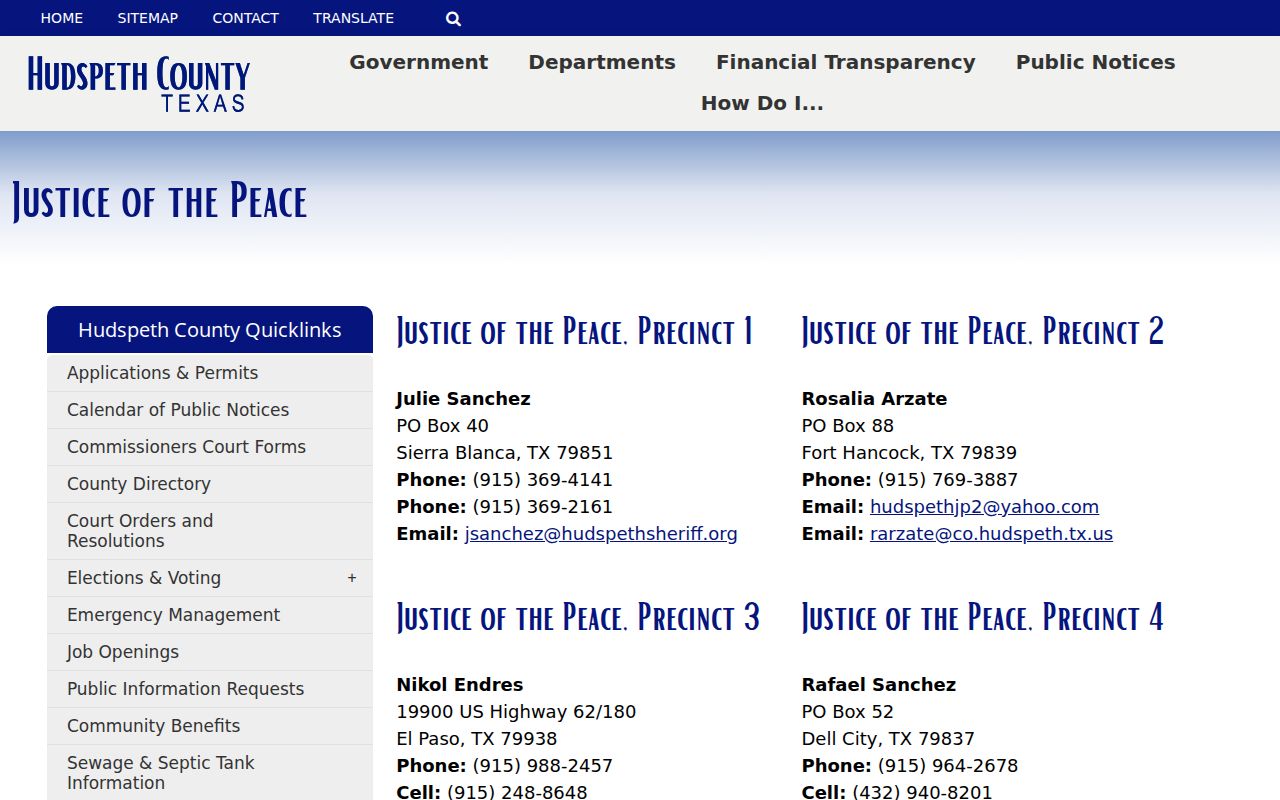
Its separate precinct entries reinforce that a countywide online query is unavailable.
Hudspeth County Warrant Search Fields
Hudspeth has no public warrant-search form, so the table separates real calendar controls from information a clerk or JP may ask for by phone. Calendar fields can help find a setting, while subscriber fields only unlock the vendor's case-search service. Neither is a warrant-status field. The issuing court remains the place to confirm the result.
| Field Label | Type | Required | Notes |
|---|---|---|---|
| JP phone or email | Contact | Ask the court | Use citation/cause number, name, court date, and DOB only if requested. |
| Calendar: Court / Search By | Select | Unspecified | Public calendar controls; not a warrant field. |
| Calendar: date range | Date | Optional or unspecified | From Date and To Date filters. |
| Calendar: Case Number | Text | Unspecified | Exact number format is not posted. |
| Criminal request form | Text / date | Case number preferred | Name, DOB, requested document, and additional name fields. |
Hudspeth County Warrant Calendar Fields
The county-linked iDocket calendar shows Court, Search By, From Date, To Date, Bar Number, attorney names, Case Number, Search, and Clear controls. It helps locate settings. It does not return an active-warrant status. A blank calendar result can mean that no setting appears in that search, not that no court process exists.
The county clerk links the calendar separately from the subscriber Judicial Case Search. Use both as case-navigation tools only, then call the office named on the citation or case.
The public calendar interface displays the field labels described here.
Hudspeth County public court calendar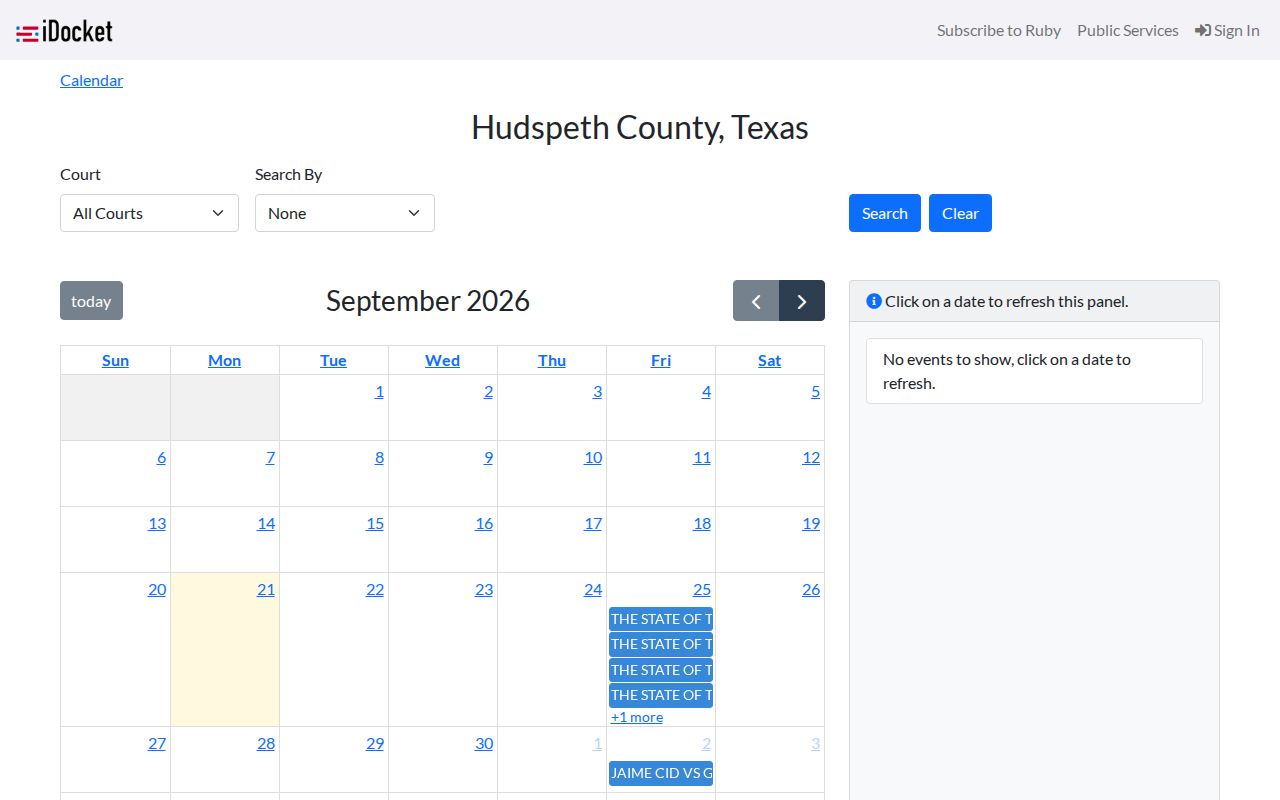
The calendar is useful for dates and court routing, not for a definitive warrant check.
Hudspeth County Warrant Search Results
No sample warrant listing was found in the official sources reviewed. The fields below are questions to ask, not an observed local record layout. A court may be able to confirm some facts while withholding material protected by law or court order.
| Identifier | Citation or cause number |
|---|---|
| Type | Ask whether it is arrest, bench, capias, alias, or capias pro fine. |
| Issuing court | Confirm the JP precinct, County Court, or district court. |
| Bond or balance | Ask the issuing court; no county bond schedule is published. |
| Status and date | Ask whether active, served, or recalled and when the status changed. |
Hudspeth County Warrant Files Need Login
The joint County & District Clerk links a Judicial Case Search through iDocket, but a subscriber sign-in is required. The public-services description says Texas case data is extracted nightly, and the vendor disclaims guarantees of accuracy, timing, or completeness. A login result can help identify an adult court file; it is not a current warrant certification.
For a copy, the Criminal Division request form asks for an existing document. A cause number avoids the $5 no-number search charge; the form separately lists $6 for a background letter, $1 per copy page, and up to 48 hours processing. Those are copy-service charges, not warrant fees.
The county-linked sign-in view displays the credentials gate for case searching.
iDocket Judicial Case Search sign-in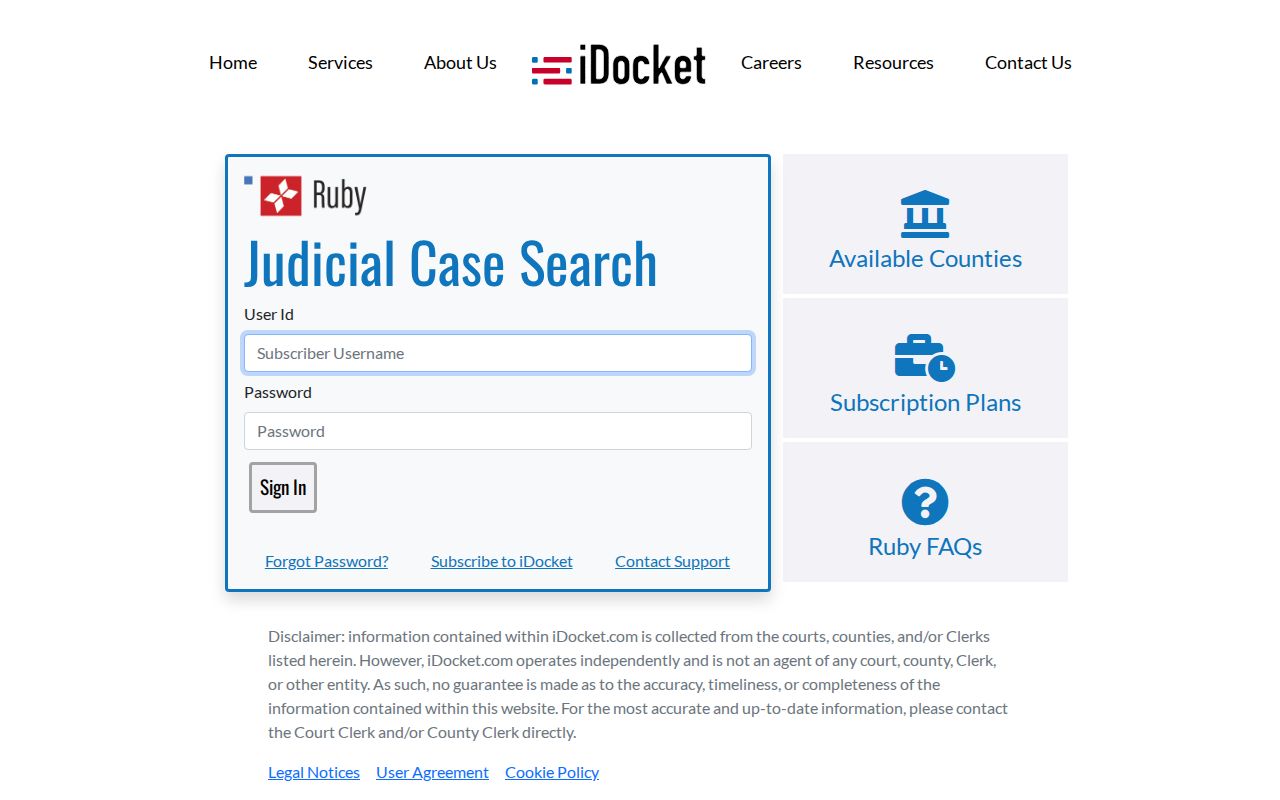
Ask the clerk for accurate case-file routing and confirm warrant status with the issuing court.
Hudspeth County Warrants: Who Holds What
JP records remain with the issuing justice court. The County & District Clerk's Criminal Division manages adult felony and misdemeanor files for the 205th, 394th, and County Courts. The sheriff may hold service or custody information. No source shows these offices feeding one searchable public warrant index.
There is no statewide public search for local Texas warrants. DPS's Failure to Appear/Failure to Pay program covers court-reported citation or judgment issues that may affect license renewal. DPS says license specialists cannot tell a caller whether a warrant exists. Contact the issuing court for warrant status.
Hudspeth County JP Warrant Check
The county directory lists four separate JP routes. JP 1 is in the Sierra Blanca route, JP 2 is associated with Fort Hancock, JP 3 is listed at 19900 US Highway 62/180, and JP 4 is associated with Dell City. These are not interchangeable phone queues. A citation or notice is the best clue to the correct office.
Ask whether the court has the case, what the docket calls the process, whether an appearance or bond is required, and how the court will document recall. No public JP portal, payment page, or walk-in policy was found. If another court is named, follow that court's instructions.
Hudspeth County Warrant Access Limits
The Texas Public Information Act applies to existing government records, but law-enforcement, sealed, juvenile, and other protected material may not be public. A custodian can redact part of a record, ask for an Attorney General ruling, or explain that no responsive public record can be released. A status call to the issuing court is different from a written request for copies.
Key Rules:
Active-investigation records may be withheld when release would interfere with detection, investigation, or prosecution.
Juvenile and sealed material may be restricted by statute or court order.
No local public list was found; a blank calendar or DPS result does not clear a warrant.
Hudspeth County Warrant Record Requests
A written PIA request should describe a record that already exists. Name the likely office, court, case number, and date range rather than asking the county to create a countywide warrant report or decide what a docket entry means. Each elected official keeps that office's own records, so a request to the wrong office may not reach the file.
The county instructions allow mail, email, or hand delivery through the County Attorney's Office. The PIA process can produce a delay, redaction, or exception notice. It does not replace a phone call to the issuing court when the reader needs an immediate instruction about appearance or recall.
The joint clerk's page identifies the Criminal Division, calendar, and case-search routes.
Hudspeth County & District Clerk contacts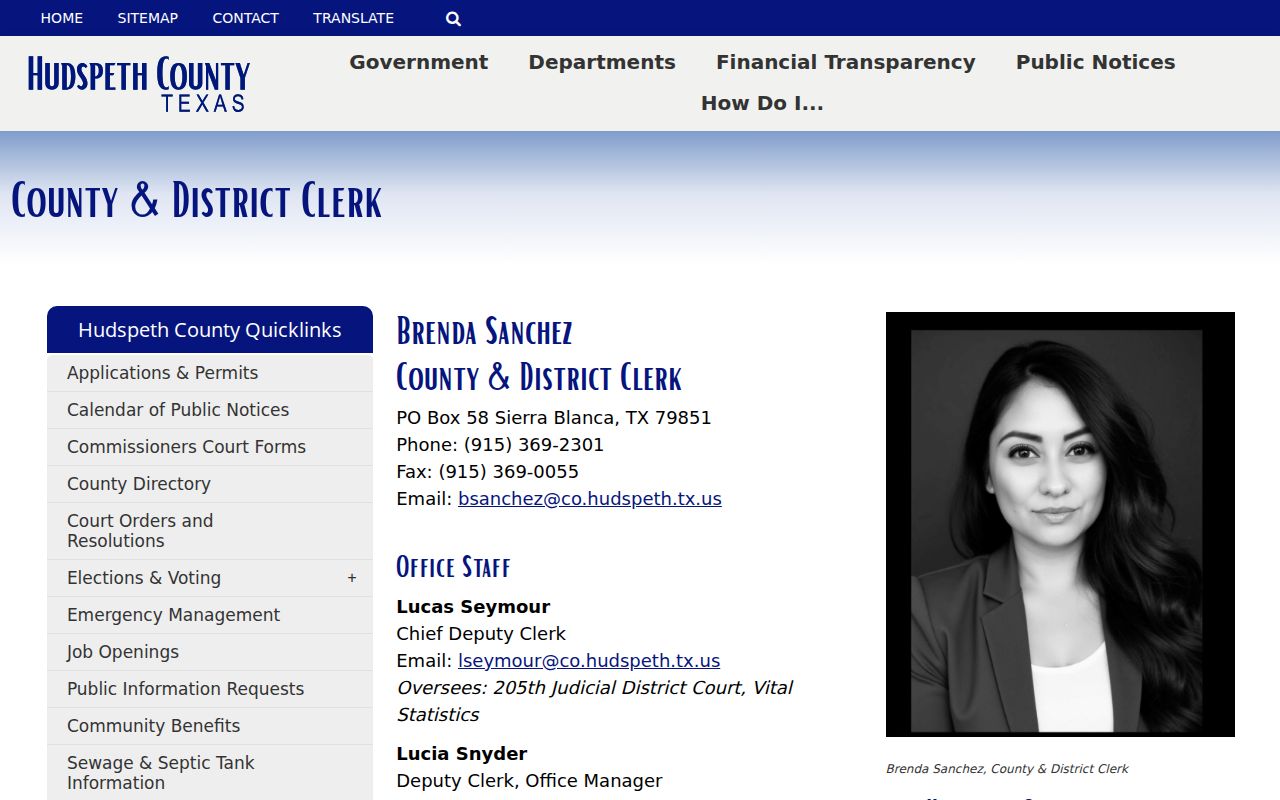
The clerk's file services are separate from the JP's live warrant-status decision.